How to Set Up a Parkour Server in Minecraft
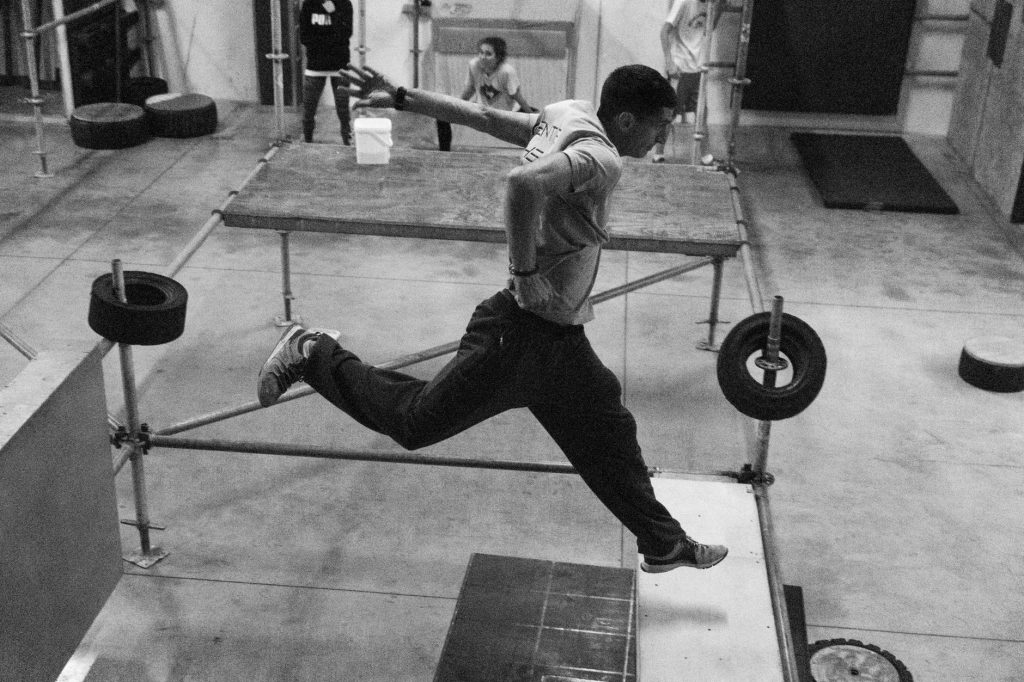
A good parkour Minecraft server is one of the most replayable things you can host. Parkour strips the game down to pure movement: jumping, timing, and precision across a course of blocks, with no combat or crafting to distract from the challenge. Players race to reach the end without falling, and a well-built course keeps them coming back to shave seconds off their best run. This guide covers how to build and run a dedicated parkour challenge server, from designing the courses to configuring the world so nothing gets in the way of the jumping.
Why parkour makes a great dedicated server
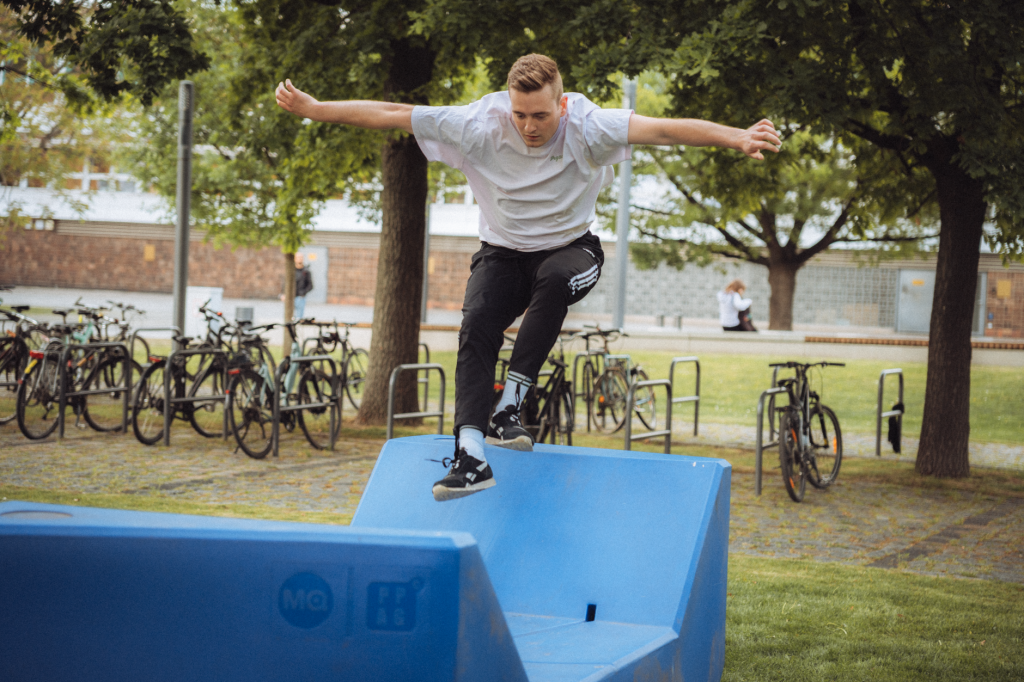
Parkour works brilliantly as its own server because it needs almost none of the usual survival systems. There is no mining, no farming, and no fighting; the entire experience is movement and level design. That focus makes a parkour server easy to manage and instantly understandable to anyone who joins. They spawn in, see a course, and start jumping.
It is also endlessly expandable. You can keep adding new courses over time, each with its own theme and difficulty, so the server grows alongside your players’ skills. A beginner-friendly course welcomes newcomers while brutal expert maps keep veterans hooked.
Planning your courses
Before you place a single block, think about progression. The best parkour servers guide players from gentle warm-ups to genuine tests of skill, and a clear difficulty curve is what keeps people engaged rather than frustrated.
| Difficulty | Jump types | Goal |
|---|---|---|
| Beginner | Simple straight jumps, short gaps | Teach the basics, build confidence |
| Intermediate | Diagonal jumps, ladders, slabs | Introduce timing and angles |
| Advanced | Tight gaps, head-hitters, momentum jumps | Test precision under pressure |
| Expert | Long combos, neo jumps, no margin for error | Reward mastery |
Mixing block types adds variety to the movement. Slabs, stairs, fences and trapdoors all behave differently underfoot, and a course that uses several of them feels far richer than one made of plain blocks. Just keep each jump fair: a good course is hard because it demands skill, not because it relies on guesswork.
Building the server
Setting up the underlying server follows the same path as any other multiplayer world. If you have not done this before, our beginner guide to making a Minecraft server covers the core install. The parkour-specific work happens in how you configure and build the world.
- Create a flat or void world. A clean canvas with nothing in the way makes course building far easier than carving into natural terrain.
- Build in a safe area. Construct your courses while in a mode that lets you fly and place blocks freely, then switch joining players to a survival-style mode for the actual challenge.
- Set a clear start and finish. Mark the beginning of each course and a visible end point so players always know their goal.
- Add checkpoints. Optional checkpoints partway through long courses keep frustration low, especially on harder maps.
Key settings for a parkour server
A few configuration choices make or break the parkour experience. The aim is to remove everything that interferes with clean jumping.
Difficulty and mobs. Set the world so hostile mobs do not spawn on your courses. Nothing ruins a precise jump like a creeper wandering into the landing zone. A peaceful environment keeps the focus entirely on movement.
Fall damage and resets. Parkour means falling, a lot. Many servers either disable fall damage or set up the course so a fall drops players into water or back to the last checkpoint rather than killing them. The smoother the reset after a missed jump, the more players keep trying.
Spawn protection. Keep a small protected hub where players gather and choose a course, so nobody can grief the central area.
Game mode for joiners. Players should be in a mode where they can take fall consequences and cannot fly, otherwise the challenge disappears entirely.
Adding flow with hub and parkour aids
A central hub ties the whole server together. From a single spawn point, players can see signs or portals leading to each course sorted by difficulty. This makes the server feel organised and lets newcomers start somewhere appropriate instead of stumbling onto an expert map first.
You can also use simple in-world tools to improve the experience: pressure plates that mark checkpoints, water at the bottom of long drops to soften falls, and clear signage explaining each course. None of this requires complex setup, and it dramatically improves how welcoming the server feels.
Keeping players coming back
The longevity of a parkour server comes from fresh content and a sense of progress. Adding a new course every so often gives regulars a reason to return, and themed courses, such as a course built inside a giant tree or across rooftops, add personality beyond the jumps themselves. Some operators track completion times informally so players have a target to beat. Above all, listen to the people playing: if a particular jump trips everyone up unfairly, adjusting it keeps the course challenging without being demoralising.
Frequently asked questions
Do players need mods to join a parkour server?
No. Parkour relies entirely on built-in movement, so players join with an unmodified game. Everything they need is the standard jumping and sprinting mechanics already in the game.
How do I stop players from cheating by flying?
Make sure joining players are placed in a game mode that does not allow flight, and keep building permissions limited to operators. With flight unavailable, the only way through a course is to actually complete the jumps.
Should courses have checkpoints?
For longer or harder courses, yes. Checkpoints reduce frustration by letting players restart partway through rather than from the beginning. Short beginner courses usually do not need them.
How do I handle falling without killing players constantly?
Common approaches are disabling fall damage on the course, placing water at the bottom of drops, or sending fallen players back to the nearest checkpoint. The goal is a quick, painless reset so they keep trying.
Can I run parkour and other game modes on one server?
You can, but a dedicated parkour world is simplest because its settings, like no mobs and managed fall damage, differ from survival. Many operators keep parkour on its own server to keep those rules clean.
Ready to start your world?
Browse the guides, or tell us your server project and we will point you in the right direction.
Get your Minecraft server
Play with friends, online 24/7
A hosted server keeps your world running even when your PC is off, so anyone can join anytime. Our plain-English guide walks through picking and setting one up.