How to Use a Minecraft Server Snapshot
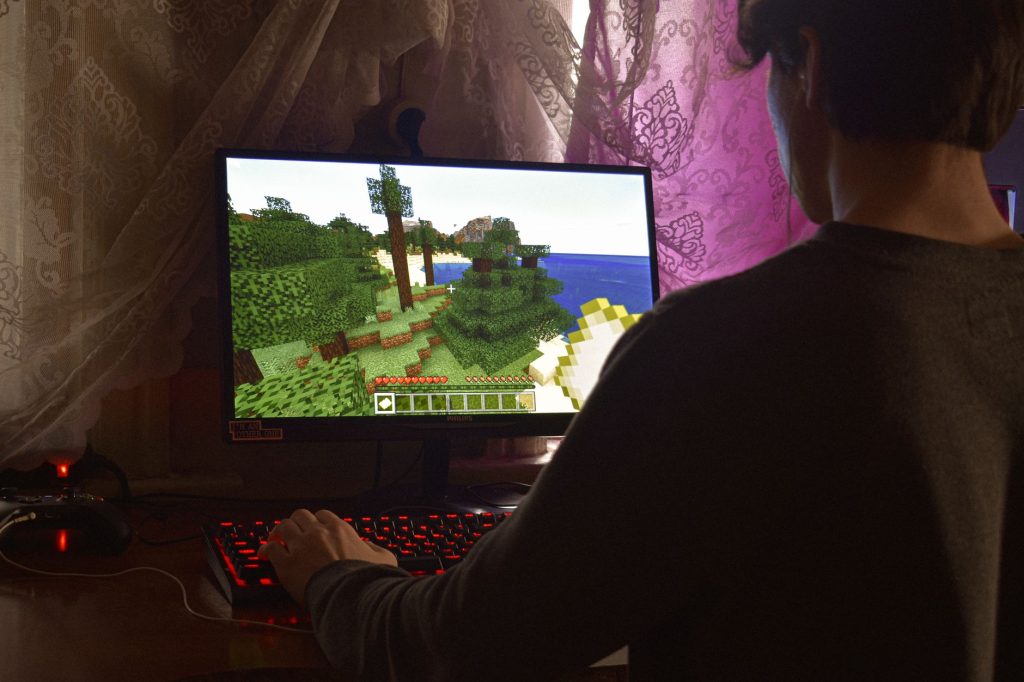
Every now and then the developers release an early, experimental build of an upcoming update so players can try new features before they are finished. These early builds are called snapshots, and running one on your own server lets you and your friends explore what is coming next. Using a Minecraft server snapshot is a great way to preview new blocks, mobs and mechanics, but it comes with trade-offs you should understand first. This guide explains what snapshots are, why people run them on servers, and how to try one safely without losing your existing world.
What is a snapshot?
A snapshot is a work-in-progress version of the game. Rather than waiting for a polished update to launch, the developers periodically publish these in-development builds to gather feedback and let the community test new content. Snapshots can introduce features that later change or are even removed entirely before the final release. They can also contain bugs, because they are not finished products. In other words, a snapshot is a preview, not a stable release.
Because snapshots are experimental, they are aimed at players who enjoy seeing what is coming and do not mind the occasional rough edge. Running one on a server simply means installing that experimental build as your server software instead of the stable version, so that everyone who connects experiences the new features together.
Why run a snapshot on a server?
Most players first try snapshots in single player, but there are good reasons to run one on a server. Testing new features with friends is more fun and more thorough than testing alone, because several people can explore different parts of an update at once. Server administrators also use snapshots to check that their plans and builds will survive an upcoming update, spotting problems early rather than after the official release lands. And for communities that love being on the cutting edge, a snapshot server is simply a way to enjoy fresh content the moment it becomes available.
That said, a snapshot server is best treated as a separate playground rather than your main home. The whole point is experimentation, so you want it isolated from anything you care about keeping.
Snapshot versus stable release: what changes
Understanding the differences helps you decide whether a snapshot is right for you.
| Aspect | Stable release | Snapshot |
|---|---|---|
| Stability | Tested and polished | Experimental, may have bugs |
| Features | Finalised for that version | New, may change or be removed |
| Best use | Long-term worlds and communities | Testing and previewing |
| World safety | Safe to keep and update normally | Worlds may not open in older versions later |
| Compatibility | Matches mainstream tools and mods | Mods and plugins often not updated yet |
The most important row is world safety. Once a world has been loaded in a snapshot, it is upgraded to that experimental format and generally cannot be opened again in an older, stable version. This is why backups matter so much.
How to set up a snapshot server safely
The safest way to try a snapshot is to keep it completely separate from your main server. Here is the approach that protects your existing world.
First, back up everything. Copy your current server folder, including the world files, to a separate location before you touch anything. This single step is your insurance policy. Second, create a brand new server folder for the snapshot rather than overwriting your existing setup. Download the snapshot server software for the experimental version you want to try and place it in that new folder. Third, run the snapshot server on its own and let it generate a fresh world. Starting fresh means you never risk converting a world you want to keep. Fourth, connect using a game client set to the matching snapshot version, because a stable client will not be able to join a snapshot server and vice versa.
If you are new to running any kind of server, it helps to be comfortable with the basics first. Our guide on how to make a Minecraft server covers the fundamentals, and the server hosting explained article describes your hosting options in plain language.
Matching client and server versions
A common stumbling block is the version mismatch between the game you play and the server you connect to. Both must run the same snapshot version. In the official launcher you can create a profile that points to the specific snapshot build, then select it before joining. Everyone connecting to your snapshot server needs to switch their client to that same build. If a friend cannot connect, the version is almost always the reason, so confirm that both ends are running the identical snapshot before troubleshooting anything else.
Keep in mind that snapshots are released frequently. Each new snapshot is a different version, so if you update your server to a newer snapshot, players must update their clients to match again. Some communities pick one snapshot to test thoroughly rather than chasing every release.
Things to watch out for
Snapshots are fun, but a few realities are worth remembering. Mods and server plugins are usually not updated for experimental builds, so a heavily modded setup may simply not work on a snapshot. Bugs can affect gameplay, including rare cases where progress is lost, which is another reason to use a disposable world. Features you fall in love with might change before release, so do not build long-term plans around something that is still experimental. And because worlds upgrade to the new format, never load your treasured main world directly in a snapshot. Always work on a copy.
Used sensibly, a snapshot server is a low-risk way to enjoy what is coming next. Keep it separate, keep backups, match your versions, and treat the whole thing as a sandbox for discovery rather than a permanent home.
Frequently asked questions
Will a snapshot ruin my main world?
It can if you load your main world directly in a snapshot, because the world upgrades to the experimental format and may not open in older versions afterward. Always make a backup copy and run the snapshot on a fresh or duplicated world to stay safe.
Can I play on a snapshot server with my normal game client?
No. The client and server must run the same snapshot version. You create a profile in the launcher that points to the matching snapshot build and select it before connecting, and every other player must do the same.
Are snapshot features guaranteed to make it into the final game?
Not always. Snapshots are testing grounds, and features can be adjusted or removed before the polished release. Enjoy them as previews rather than assuming everything you see will arrive unchanged.
Do mods and plugins work on snapshots?
Usually not right away. Mod and plugin authors generally wait for stable releases before updating, so experimental builds often run with little or no modded support. Plan to test snapshots in a mostly vanilla setup.
Should beginners try snapshot servers?
They can, as long as they are comfortable with the basics of running a server and accept that snapshots are experimental. Beginners should be extra careful with backups and treat the snapshot server as a disposable sandbox separate from any world they want to keep.
Ready to start your world?
Browse the guides, or tell us your server project and we will point you in the right direction.
Get your Minecraft server
Play with friends, online 24/7
A hosted server keeps your world running even when your PC is off, so anyone can join anytime. Our plain-English guide walks through picking and setting one up.