How to Find and Read a Minecraft Server List
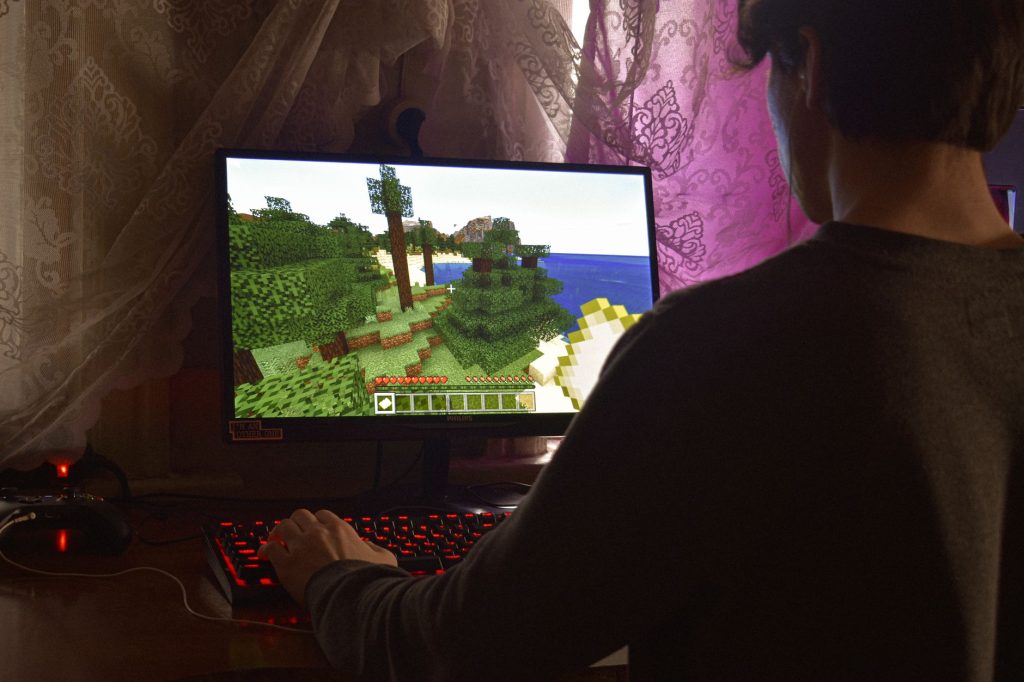
A Minecraft server list is a website that catalogues public multiplayer servers so you can browse, search and pick one to join. Instead of hoping a friend invites you somewhere, you open a server-list site, filter by the kind of play you want, copy an address, and connect. Knowing how to read one of these lists properly is the difference between landing on a thriving, well-run community and joining a ghost town that looks busy in a screenshot from months ago.
This guide explains how to find a good Minecraft server list, how to read the information each listing shows, and how to bookmark the servers you actually enjoy so you can get back to them in seconds. It is aimed at players who are comfortable in multiplayer but have always relied on word of mouth to find new places to play.
What a server list actually shows you

Most server-list sites present each server as a card or row with a handful of key details. Once you know what each one means, you can judge a server in seconds without joining it. The headline figure is usually the current player count, but that number alone can mislead, so it pays to read the rest.
| Listing detail | What it tells you |
|---|---|
| Players online | How many people are connected right now, against the maximum slots |
| Status | Whether the server is online and reachable at this moment |
| Version | Which Minecraft version you need to connect |
| Game type / tags | The style of play: survival, creative, minigames, and so on |
| Server address | The text address you paste into your client to join |
The version field is the one beginners overlook. If a server runs a different version than your game, you may not be able to connect at all, or you will need to switch your client to a matching version first. Always check this before you copy the address.
How to find a list worth trusting
Search for a Minecraft server list and you will find several established sites that do the same basic job. The good ones share a few traits: they ping servers regularly so the online status is current, they let you sort and filter, and they show recent activity rather than all-time figures. Be a little wary of lists that only show “votes” or rankings, because those can be gamed and do not always reflect how good the day-to-day experience is.
A useful habit is to look at how recently a server was last seen online. A listing that has not responded to a ping in a long time is probably down for good, no matter how impressive its description reads. The freshest, most responsive listings are the ones worth your time.
Reading between the lines of a listing
Numbers on a card are a starting point, not the whole story. A server showing a high player count is busy, but busy is not the same as friendly or well-moderated. Conversely, a small server can be the most welcoming place you ever play. Use the listing to shortlist, then judge the actual experience once you are inside.
Player count in context
Compare the current count to the maximum. A server sitting near its limit may have a queue or feel crowded; one with a handful of players might be quiet but relaxed. Also notice the time of day you are looking, since many communities are busy in their local evening and near-empty in the morning. A server that looks dead at one hour can be lively at another.
Tags and descriptions
The game-type tags tell you the broad style, but the written description tells you the rules and tone. Look for mentions of moderation, whether griefing is punished, and whether the server expects a particular version or any extra setup. If a description is vague or full of hype with no concrete rules, treat that as a small warning sign. To understand which broad category suits you in the first place, our overview of the best types of Minecraft servers breaks down survival, creative, minigame and other styles.
From the list to actually joining
Once a listing looks promising, joining is straightforward. Copy the server address exactly as shown, open your Minecraft client, choose to add a server in the multiplayer menu, and paste the address into the address field. Give the server a name you will recognise. Your client will then ping it and show you the live status and player count right there in your own server list, which is itself a quick way to confirm the listing was accurate.
If the connection fails, the usual culprit is a version mismatch, so double-check the version from the listing against the version your client is running. A correct address on the wrong version simply will not connect, and that trips up a lot of newcomers.
Bookmarking the servers you like
The real payoff of browsing lists is building your own shortlist of favourites. The simplest method is the multiplayer menu in your client itself: every server you add stays saved there, complete with a live status indicator each time you open it, so you can see at a glance which of your regulars are online. Add the ones you enjoy and remove the ones that disappoint, and over time that menu becomes a curated personal list far more useful than any public ranking.
Many server-list sites also let you create an account and save favourites on their side, which is handy if you switch computers or want to track servers before you commit to adding them in-game. Either way, the discipline is the same: try a server, decide if you like the community, and keep only the ones that earn a spot. A short list of places you genuinely enjoy beats an endless feed of unknowns.
Frequently asked questions
What is a Minecraft server list?
It is a website that catalogues public multiplayer servers, showing each one’s status, player count, version and address so you can browse and pick a server to join without needing a personal invite.
Why can’t I connect to a server from the list?
The most common reason is a version mismatch: the server runs a different Minecraft version than your client. Check the version shown in the listing and switch your client to match, then try the address again.
Are servers with the most players the best?
Not necessarily. A high player count means busy, not friendly or well-moderated. Use the count to shortlist, then judge the community, rules and tone once you are actually inside the server.
How do I save a server I like?
Add it in your client’s multiplayer menu, where it stays saved with a live status indicator each time you open the menu. Many list sites also let you save favourites to an account on their side.
How do I know if a listed server is still active?
Check when it was last seen online and whether its status shows online now. Good server lists ping servers regularly, so a listing that has not responded in a long time is likely down for good.
Ready to start your world?
Browse the guides, or tell us your server project and we will point you in the right direction.
Get your Minecraft server
Play with friends, online 24/7
A hosted server keeps your world running even when your PC is off, so anyone can join anytime. Our plain-English guide walks through picking and setting one up.