Minecraft Seeds: What They Are and How to Use Them

Minecraft seeds are one of the simplest yet most powerful tools in the game. With a single string of text, you can generate a brand-new world that looks exactly like a friend’s, recreate a famous map you saw in a video, or hunt down a perfect spawn point next to a village, an ocean monument, or a sprawling cave system. If you have ever wondered how two players ended up in identical worlds, the answer is almost always the same seed.
In this guide we explain what a Minecraft seed actually is, how world generation uses it, how to enter one in both Java and Bedrock editions, and how to share or rediscover the seed of a world you already love. No technical background is required.
What is a Minecraft seed?
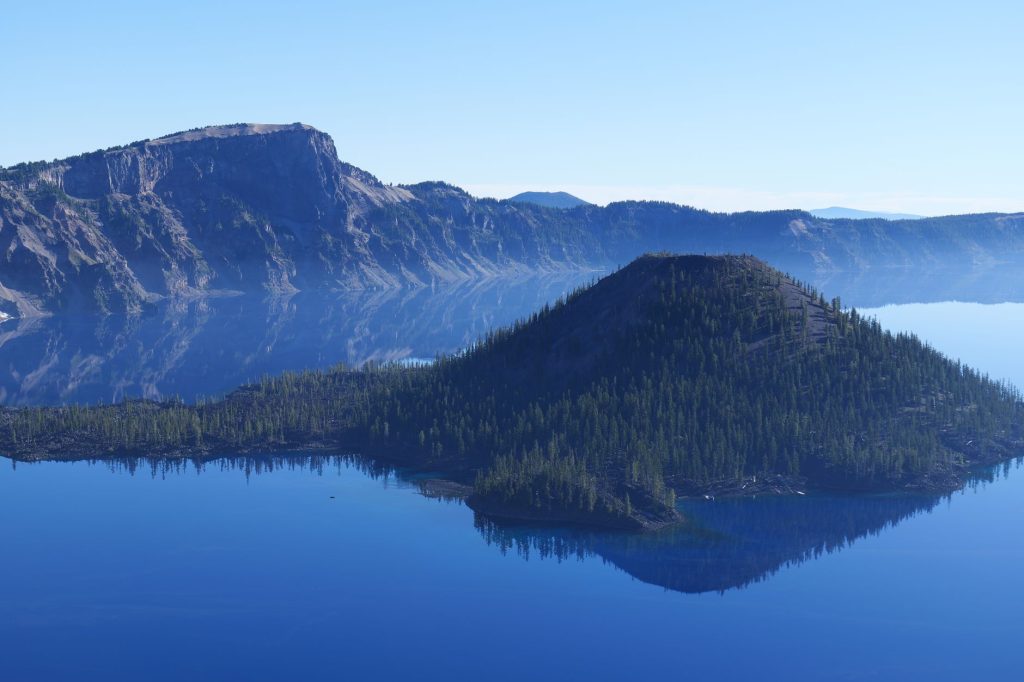
A seed is the starting value that Minecraft’s world generator uses to build everything around you: the shape of the terrain, where biomes appear, the placement of villages, temples, mineshafts, and ravines, and much more. The generator is deterministic, which is a fancy way of saying that the same seed plus the same game version will always produce the same world layout.
You can think of a seed like a recipe. Give two cooks the identical recipe and the same ingredients, and they will produce the same dish. Give Minecraft the same seed and the same version, and it will produce the same world. Change the seed and you change the recipe, so the world comes out completely different.
Seeds can be numbers or words. If you type letters or a phrase, Minecraft converts that text into a number behind the scenes. That is why typing your favourite word as a seed still works perfectly well.
Why the game version matters
This is the part that surprises many players. A seed only guarantees an identical world when it is loaded in the same version of Minecraft, and within the same edition. World generation has changed over time as new features, biomes, and structures were added. Because of those changes, the exact same seed can produce noticeably different terrain in an older version compared with a newer one.
Java Edition and Bedrock Edition also use different world generators. The same seed entered in both editions will usually create related but not identical worlds. So if you find a great seed in a video, check which edition and version it was made for before expecting to land in the exact same spot.
How to enter a seed in Java Edition
Entering a seed when you create a new world is straightforward:
- From the main menu, choose Singleplayer, then Create New World.
- Open More World Options (sometimes shown as world settings).
- Find the Seed for the World Generator field.
- Type or paste your seed exactly as written, including any minus sign if the seed is a negative number.
- Leave the field blank if you want a random world, then create the world as normal.
Accuracy matters. A single missing character or an extra space can change the seed and therefore the world, so copy and paste whenever you can rather than typing long seeds by hand.
How to enter a seed in Bedrock Edition
The process is similar on Bedrock, which covers the Windows, console, and mobile versions:
- Tap or select Play, then Create New World.
- Scroll to the Seed field, usually found under the world settings or advanced options.
- Enter your seed text or number.
- Adjust any other settings you like, then create the world.
Remember that a seed from a Java video may not behave the same way on Bedrock. Look for seeds labelled for your specific edition to get the closest match.
How to find the seed of a world you already have
Maybe you generated a fantastic world by accident and want to share it. You can usually reveal the seed of any world you can load. In most versions, open the world, then type the command below into the chat:
| Goal | What to do |
|---|---|
| Reveal your current world’s seed | Type /seed in chat and press enter |
| Share a world with a friend | Give them the seed plus your edition and version |
| Recreate a friend’s world | Enter their seed in a new world using the same version |
| Get a totally random world | Leave the seed field empty when creating a world |
The /seed command requires that commands or cheats are allowed in that world. Many people leave them enabled for exactly this reason. Once you have the number, write it down somewhere safe so you never lose access to a world you love.
Tips for getting the most out of seeds
A few habits make working with seeds far more enjoyable:
- Note the version. Always record the edition and game version alongside any seed you save. Without it, the seed may not reproduce the world you expected.
- Explore before you settle. The area around spawn is only a tiny slice of the world. Even an ordinary spawn can sit beside spectacular terrain a short walk away.
- Use seeds to practise. Loading the same seed repeatedly lets you rehearse a strategy, such as a speed run route or a building project, on familiar ground.
- Keep a seed journal. A simple text file with seed, version, and a short description turns your favourites into a personal library you can revisit any time.
Once you have a world you enjoy, the next step is making the most of it. Our guide to Minecraft survival tips for beginners pairs perfectly with a fresh seed, and if you want your base to stand out, the building tips for beginners will help you turn good terrain into a great home.
Frequently asked questions
Can I use any word or phrase as a seed?
Yes. If you type letters or a phrase, Minecraft converts that text into a number automatically. Numbers, words, and even short sentences all work as valid seeds, so feel free to use something memorable.
Why does the same seed look different for me and my friend?
The most common reasons are a different game version or a different edition. World generation changes between versions, and Java and Bedrock use separate generators, so an identical seed can produce different worlds unless both of you match the version and edition.
Does entering a seed count as cheating?
No. A seed simply chooses which world to generate. It does not give you items, change your game mode, or alter how the world plays once you are inside it. It only decides the starting layout.
How do I find my current world’s seed?
Open the world and type /seed in the chat, provided commands are enabled for that world. The game will display the seed number, which you can then save or share with others.
Will an old seed still work in a newer version?
The seed will still generate a world, but it may not match what you saw before. Because terrain and structures change between versions, the safest approach is to load a seed in the same version it was created for.
Ready to start your world?
Browse the guides, or tell us your server project and we will point you in the right direction.